
PLANNING
What to put in your conference AV brief
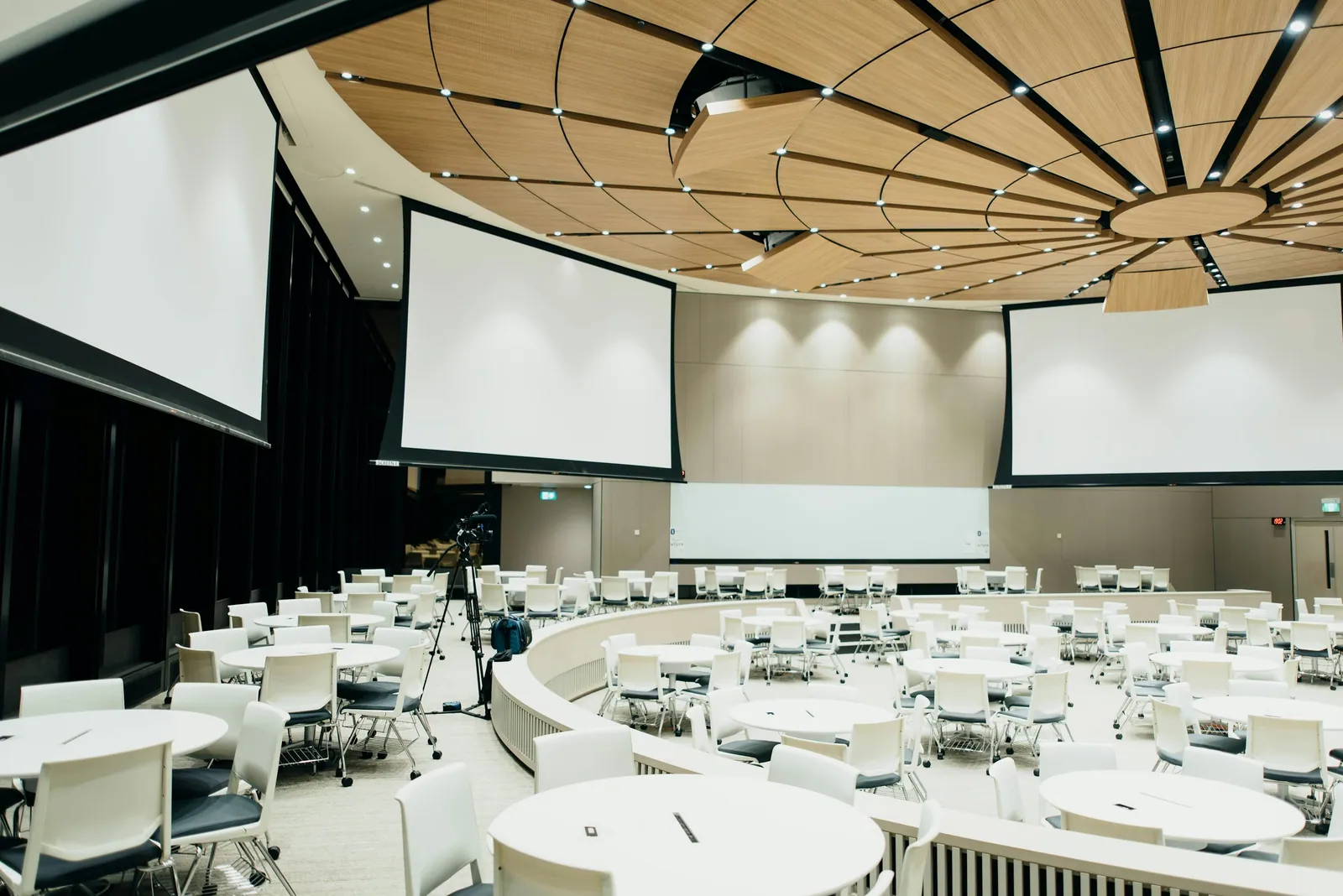
You don’t need to know which microphone or screen to hire before speaking to an AV supplier. Start with the event: who’s coming, what they need to see and hear, and how the day will run. That gives the technical team something useful to plan around.
The programme can still be a work in progress. Share what’s confirmed, flag what isn’t and nominate one person to bring the answers together. A short brief with a few honest gaps is easier to work with than a finished-looking document full of guesses.
Begin with the people and the purpose
Say whether the event is an employee update, training session, customer presentation, awards evening or a mixture. Include the expected audience, room layout and maximum number of people speaking at once. A seated conversation, a roaming presenter and questions from the floor create different microphone and staging needs.
Explain what matters most. Perhaps everyone must read a detailed chart, a senior speaker needs a discreet microphone or the room must change quickly for breakout sessions. These priorities help the supplier make sensible choices when space or time is limited.
Send the programme before choosing the kit
Send the draft running order early. A welcome, a video with sound, a panel discussion and a question from the floor each ask something different of the setup. Include the start and finish times, speaker handovers and who will cue each part. It’s much easier to spot a missing connection or microphone while the plan is still on paper.
For Weetabix’s two-day employee conference at Rushton Hall, we supplied a 3m × 2m stage, two screens, wireless microphones, PA, a branded lectern and subtle Q9 uplighting. Around 80 people attended. One laptop fed the visuals to both screens through an OREI HDMI-over-Cat6 splitter. The programme was straightforward, so the playback could be too.
Include the room and the route into it
A floor plan, photographs and the venue contact help establish where the stage, speakers and screens could sit. Ask the venue to confirm the load-in route, parking, room access times and when everything must be clear. If another supplier is building a set or dressing the stage, include their contact and schedule.
Say which items the venue is providing and which are still needed. “There is a screen” leaves several questions open: its location, connections, suitability for your content and whether anyone will operate it.
Make presentation ownership clear
List the playback laptop, presentation software, slide format, video files and any remote contributors. Agree a deadline for the final files and who can approve changes. Microsoft recommends testing the actual presentation equipment and accounting for fonts and linked files when transferring a deck. A file opening successfully on its author’s laptop is only the first check.
If some of those details aren’t decided, say so. You can send the first brief now and agree the remaining decisions with your supplier. Ask them to explain the proposed approach in ordinary language, including what they need from you before the event.
- Event date, venue, purpose and expected audience.
- Draft programme and simultaneous speakers.
- Room plan, screen content and presentation owner.
- Access, setup and collection windows.
- Venue-provided items, other suppliers and a budget range.
TAKE THIS INTO YOUR BRIEF
Start with the audience and running order. The equipment list can follow the brief.
Sources & useful reading.
- Microsoft: Tips for creating and delivering an effective presentation
Supports the advice to check actual equipment and presentation software before delivery.
- Microsoft: Package a presentation for CD or USB flash drive
Explains why transferred presentations must account for fonts and linked files.
Put it into practice.
If you’re planning an event, send the date, venue and what you know so far. We’ll help work through the rest.
Talk through your eventA little more useful reading.
PLANNING
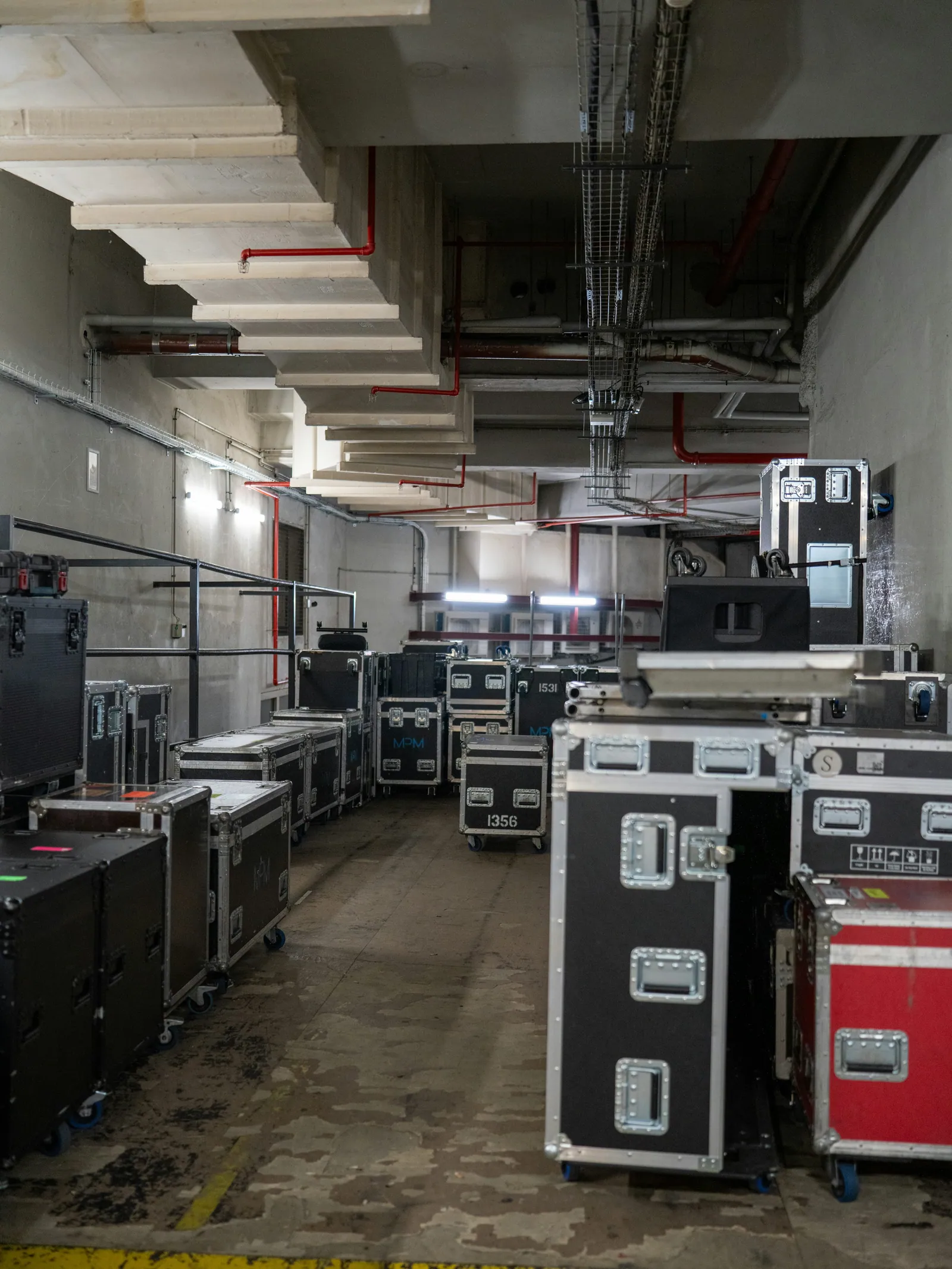
The part of an event plan people forget: getting the kit in and out
Build an AV access plan around unloading, the route to the room, setup time and collection, with a rooftop event showing why logistics matter.
Read the guide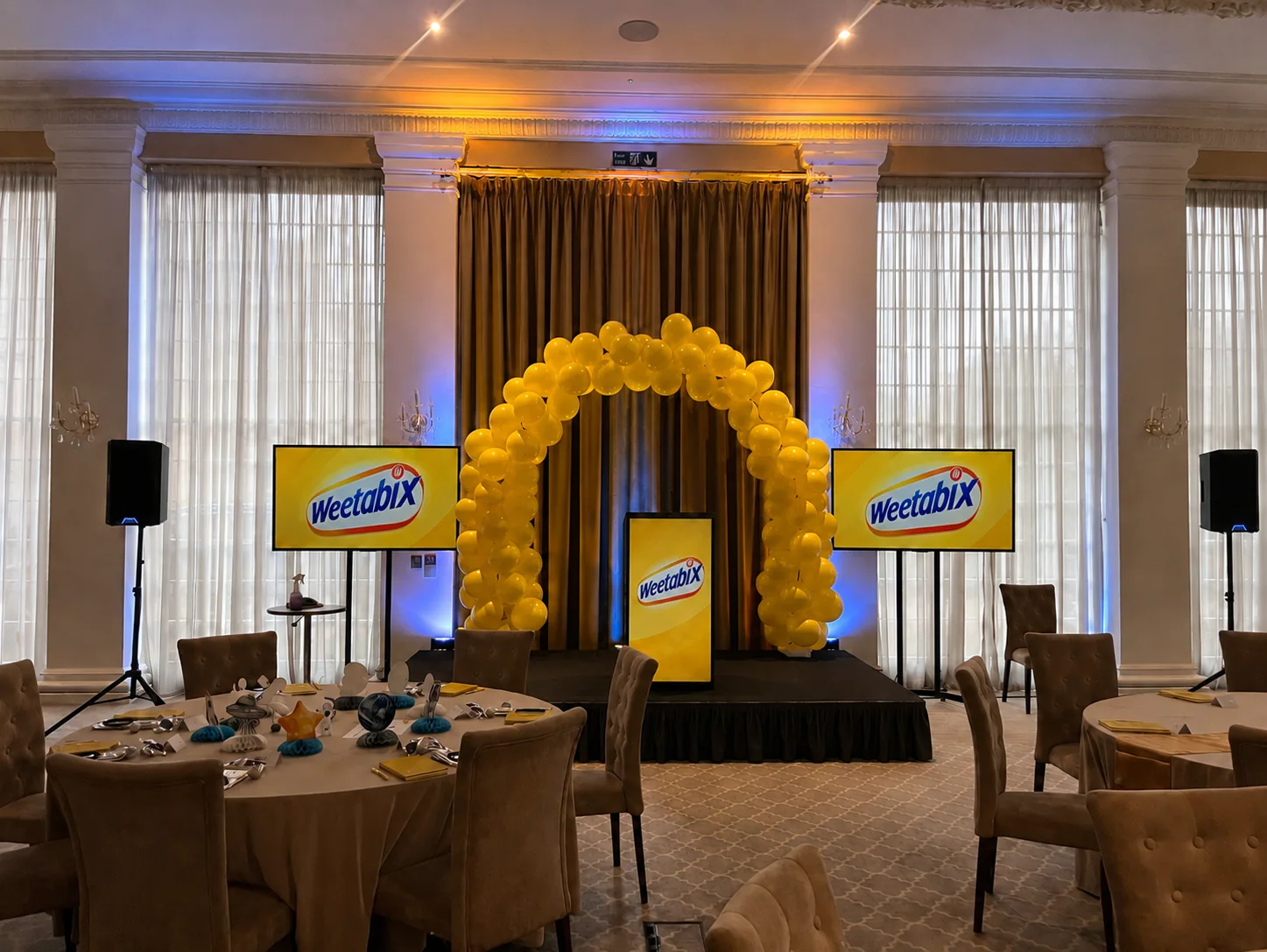
EVENT PLANNING
What is a lectern, and which one suits your event?
A lectern holds a speaker’s notes. Here’s how to choose one around the presenter, working surface, microphone and branding, with a real conference example.
Read the guide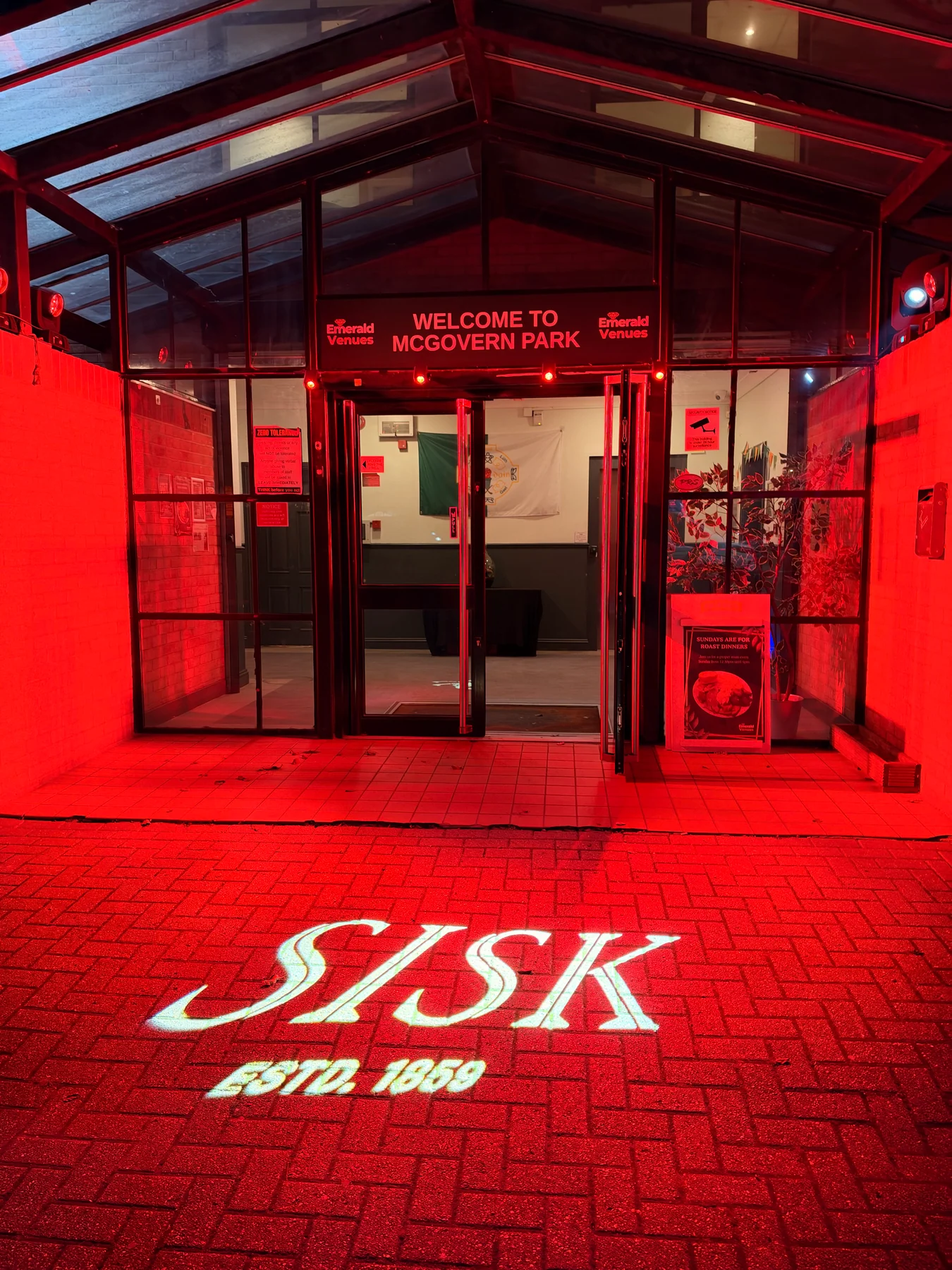
LIGHTING
What is a gobo? Logo projection at events explained
How gobos project logos and patterns at events, what affects the result, and how to plan artwork, surfaces and lighting, with a real SISK example.
Read the guide