
EVENT PLANNING
What is a lectern, and which one suits your event?
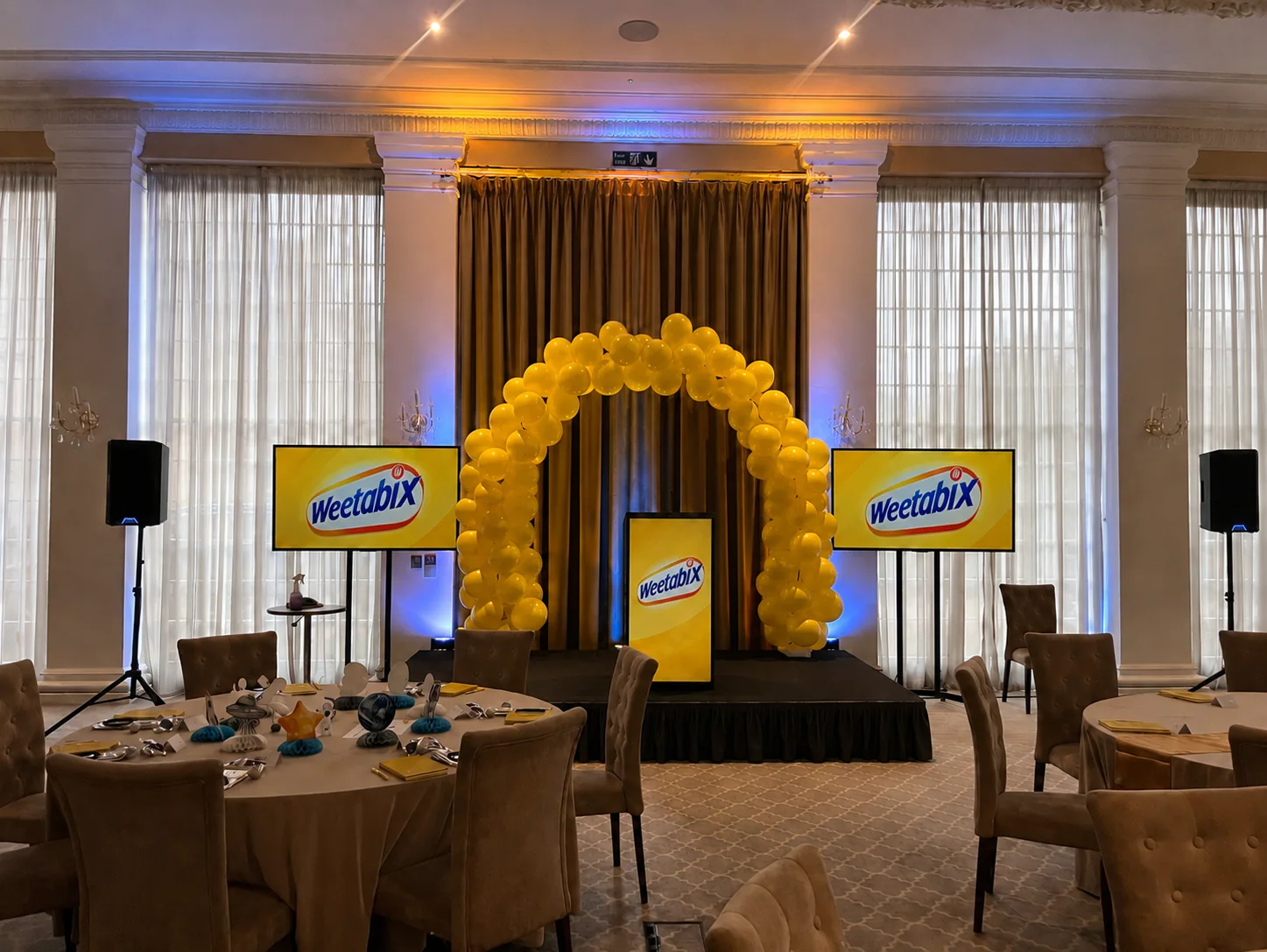
A lectern is the stand a speaker uses to hold notes, a script or other reading material. It usually has a sloping top, giving the presenter somewhere to put their pages while addressing the room. At a conference, it might also carry event branding or a microphone.
You may hear it called a podium. That word can mean the raised platform or the lectern itself, so a photo is more useful than a debate about terminology when you’re booking equipment. Once everyone means the same item, the next question is how the speaker will use it.
Will the speaker stay at the lectern?
For a scripted welcome, awards announcement or formal address, a lectern gives the speaker a place for their notes. Someone demonstrating a product or moving between a screen and the audience may only need it as a base to return to.
Ask the presenter rather than choosing from the room photograph alone. A stand that looks right in the set still needs to work for the person behind it. Its position also belongs in the stage plan: leave room for the way the presenter intends to move.
Check the surface, height and access
Printed notes, a tablet and an open laptop need different amounts of space. Ask for the usable top dimensions and think about what must sit there at the same time. A generous-looking front panel tells you very little about the working surface behind it.
Height matters too, particularly when several people will share the lectern. Some designs adjust; others are fixed. Check the actual item being supplied and agree how presenters will use it. If someone presents seated or uses a wheelchair, discuss reach, clearance and position with them. Height adjustment alone doesn’t settle those questions.
Built-in connections and microphone mounts also vary. Treat them as details to confirm, rather than features included with every lectern. Manufacturer drawings can be helpful here, even when you’re only hiring for one day.
Choose the microphone alongside it
The lectern and the microphone are separate parts of the brief. A fixed microphone needs to suit the person speaking, and walking away from it changes what it picks up. A handheld or wearable microphone gives a different arrangement, with its own practical considerations.
Allow time for each presenter to try the agreed setup with the technician before the audience arrives. That short check is more useful than discovering during a speech that the next presenter works very differently from the first. Our microphone guide explains the handheld, lapel and headset options in more detail.
Branding needs to fit the actual lectern
For Weetabix’s two-day employee conference at Rushton Hall in May 2026, we supplied a lectern and designed and fitted its branding on a 3mm board made to the lectern’s size. The yellow panel sat between two presentation screens, bringing the client’s identity into the centre of the setup.
For your event, start with the actual panel dimensions and approved artwork. Agree a proof before production, then confirm who supplies, fits and removes the branding. A panel made for another lectern may have the right logo but the wrong proportions.
It’s also worth seeing a picture of the finished item from the audience’s direction. That is the view your guests will have, and often the one that appears in event photographs.
Before you confirm the hire
Ask for a photograph and dimensions, then check the quote against the presenter’s needs. The useful details are:
- The working surface, height and access arrangements.
- The microphone and PA equipment required alongside it.
- The artwork, panel production and fitting responsibility.
- Delivery or collection, setup and the agreed hire period.
TAKE THIS INTO YOUR BRIEF
Choose the lectern around the presenter first, then agree the microphone, position and artwork against the actual item you’re hiring.
Sources & useful reading.
- Merriam-Webster: lectern and podium usage
Definition and terminology; checked 17 November 2026.
- Shure: microphones for presenters
Microphone choice, individual positioning and movement; checked 17 November 2026.
- Loxit: Spotlight lectern
Manufacturer example showing separate surface, height, connection and branding options. Not a statement of Bucks AV inventory; checked 17 November 2026.
Put it into practice.
If you’re planning an event, send the date, venue and what you know so far. We’ll help work through the rest.
Talk through your eventA little more useful reading.
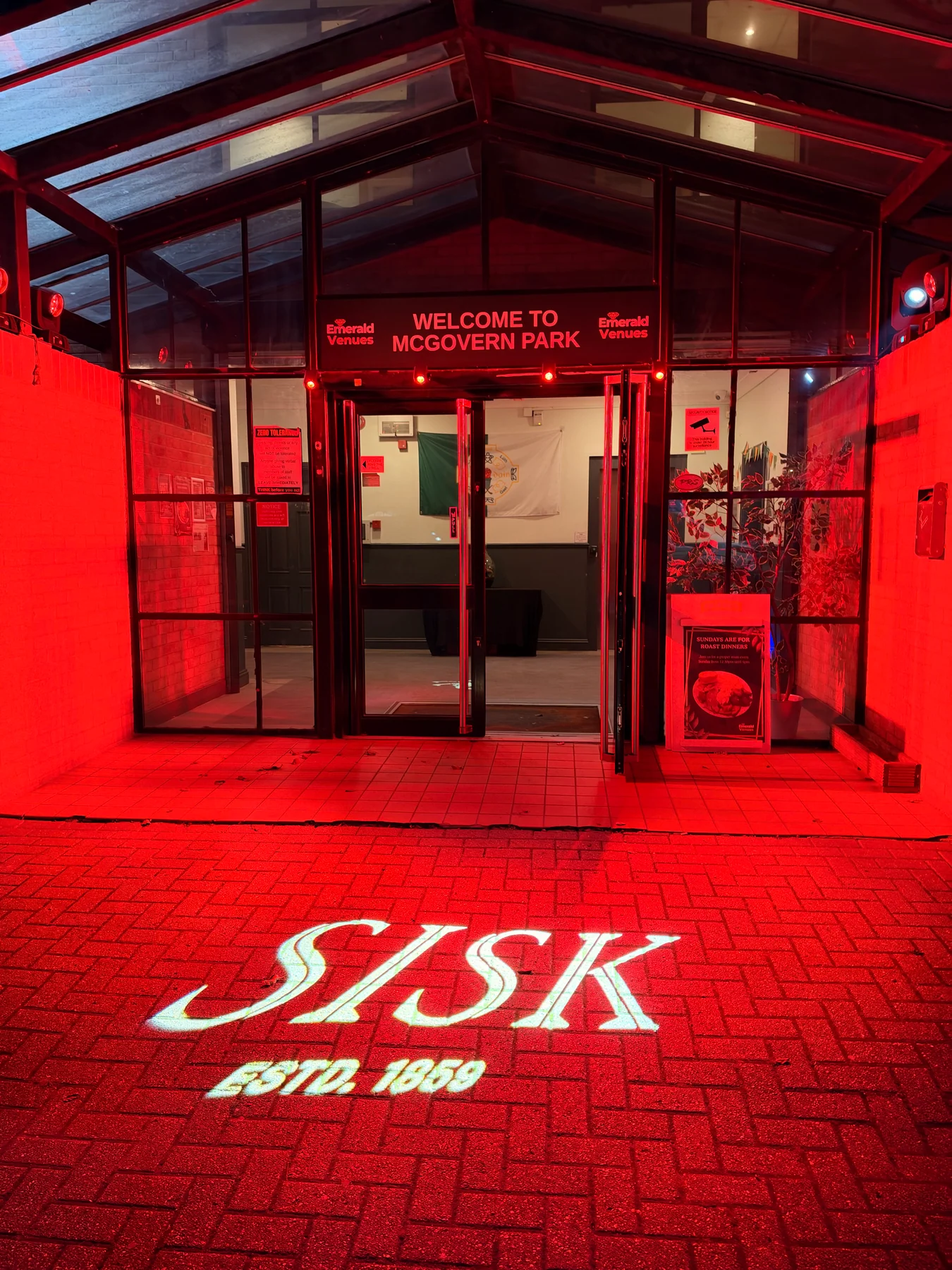
LIGHTING
What is a gobo? Logo projection at events explained
How gobos project logos and patterns at events, what affects the result, and how to plan artwork, surfaces and lighting, with a real SISK example.
Read the guide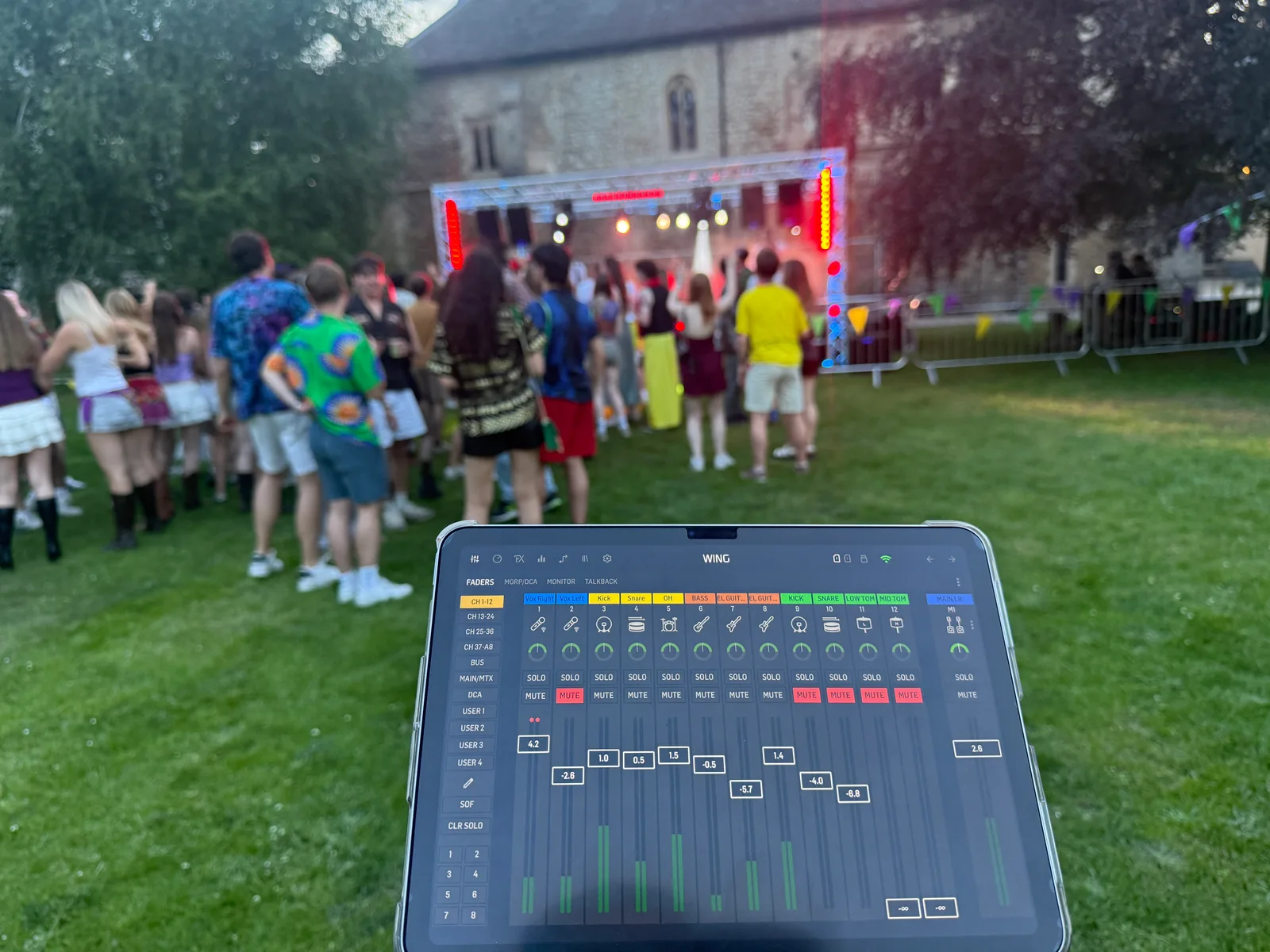
AUDIO
What is a PA system, and what does your event need?
PA systems explained: microphones, mixers and speakers, plus how to choose sound for speeches, live music and your venue without relying on wattage alone.
Read the guide
PLANNING
What to put in your conference AV brief
A practical conference AV brief: audience, room, programme, presentations and access details that help your production supplier plan the right setup.
Read the guide