
VIDEO
One presentation, several screens: planning the signal
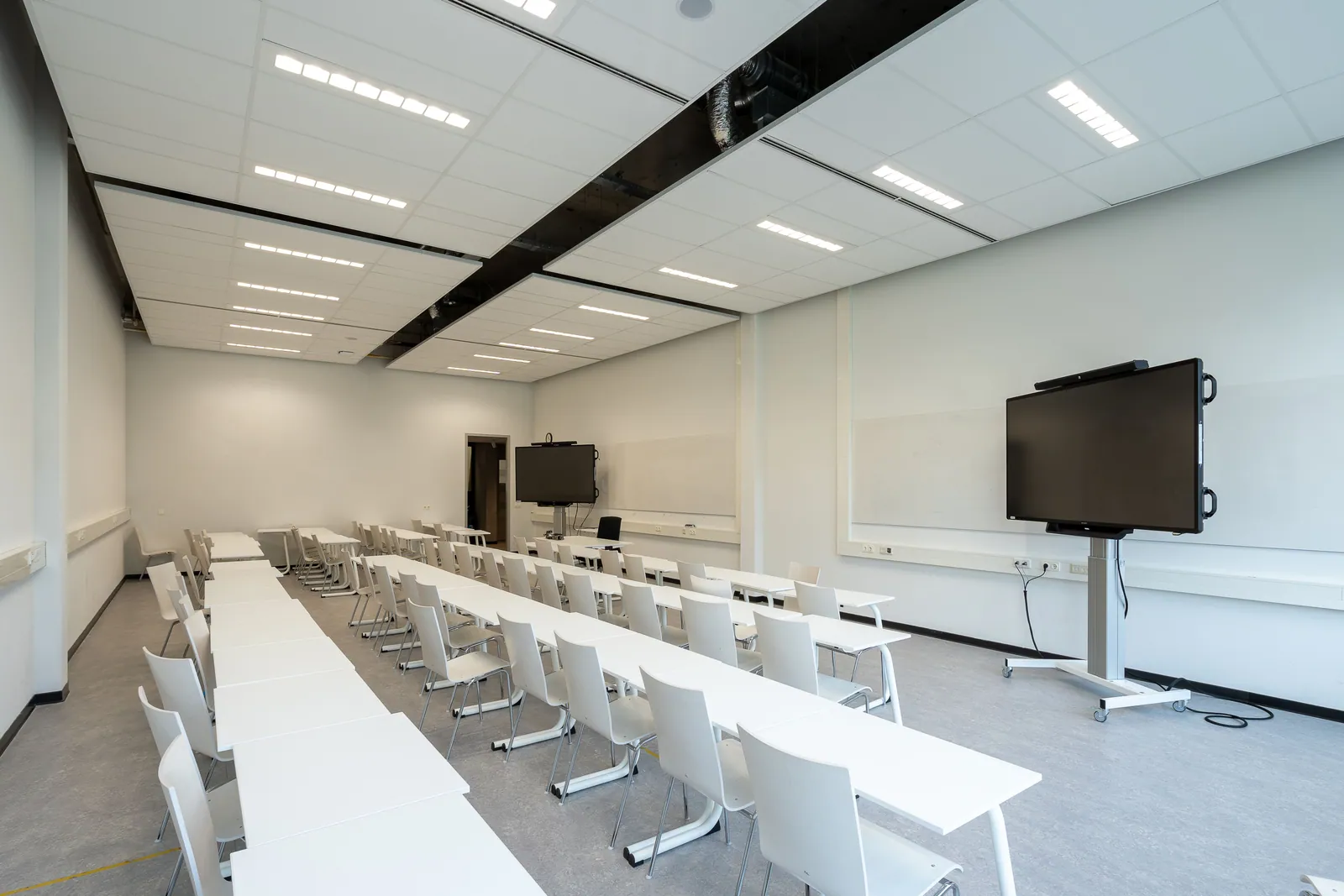
If you want the same slides on two screens, say that. If one display is for the audience and another should show the presenter’s notes, say that too. They sound like similar requests, but they call for different signal arrangements.
For a straightforward staff update, one laptop feeding several displays may be all you need. Add remote guests, separate content or presenter notes, and the plan changes. Begin with what should appear on each screen and who will operate it.
Decide whether the screens show the same thing
A splitter distributes one source to multiple displays. It does not turn a single picture into several independent presentations. OREI’s documentation for its UHD12-EXB400-K splitter extender explicitly distinguishes duplicated content from an extended desktop or different sources on each display.
That OREI product is a manufacturer example, rather than the confirmed model from one of our jobs. Its distinction is useful when briefing any system: should every display mirror the same picture, or do some need different material? Tell the production team which screens face the audience and which are for the presenter.
Put the laptop and the operator in the plan
Confirm who supplies the playback laptop, who advances the slides and who can approve a last-minute file change. A presenter using a clicker, a technician following a running order and a host coordinating multiple speakers create different working arrangements.
We used a one-laptop setup and an OREI HDMI-over-Cat6 splitter for Weetabix’s two-day conference at Rushton Hall. Around 80 colleagues attended a programme of presentations and breakout sessions, with the same visuals sent to the presentation screens. Keeping one source for those visuals suited the way the event was being run.
Discuss the route as well as the distance
An extender can carry a video signal to a display farther from its source using a matched transmitter and receiver arrangement. Some systems use Cat cable, but that does not make them interchangeable with every network product. OREI specifies direct connections rather than ordinary network switches for the example above. Other systems have different requirements, so the proposed equipment needs to be checked as a complete system.
Give the team a floor plan showing the laptop position, display positions and the available cable route. The route around doors, audience seating and venue furniture matters as well as the straight-line distance. Leave the choice of distribution equipment and cable management to the technical plan agreed with the venue.
Test the actual content through the complete setup
Ask to check a representative slide, a video with sound and the intended presenter controls on the proposed system. Confirm what happens when a speaker hands over to another laptop. The source, adapters, distribution equipment and displays all form part of the route that needs to work together.
HDMI Licensing Administrator describes certified cable categories with different capabilities. Matching connectors are only one part of the picture: the source, adapters, distribution equipment and displays need to support what you’re asking them to do. Give the supplier the content and screen plan, then ask them to explain how the proposed system will deliver it.
- Which displays mirror the presentation, and which need different content?
- Who supplies the laptop and owns the final presentation files?
- Who advances slides, starts videos and approves changes?
- Where are the source, displays and workable cable routes?
- When can the actual files and presenter controls be checked?
See SISK’s integrated screen and conference set Explore 85-inch screen hire
TAKE THIS INTO YOUR BRIEF
Start by describing what each audience and presenter screen should show. Choose the signal route around that job, the room and the people operating it.
Sources & useful reading.
- OREI: UHD12-EXB400-K overview and use cases
A manufacturer example explaining mirrored outputs and its required direct Cat-cable connections. It is not identified as the model used at Weetabix.
- HDMI Licensing Administrator: cable overview
Explains the different official HDMI cable names, capabilities and certification labels.
- Weetabix conference at Rushton Hall
Our confirmed example of one laptop feeding two presentation screens through an OREI HDMI-over-Cat6 splitter.
Put it into practice.
If you’re planning an event, send the date, venue and what you know so far. We’ll help work through the rest.
Talk through your eventA little more useful reading.
VIDEO
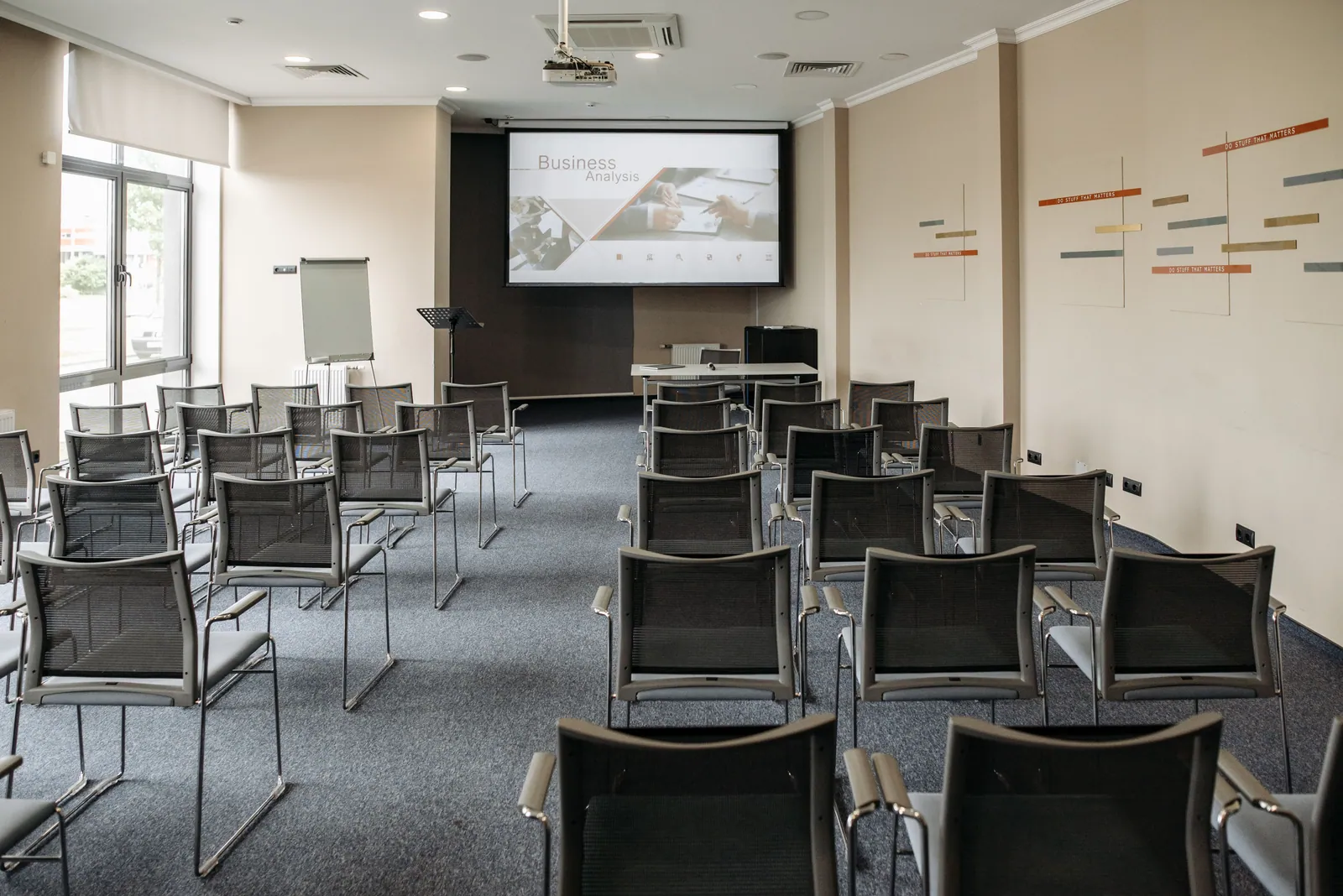
How to choose screens people can actually read
Plan conference screens around the room, audience and slide content. A guide to viewing distances, sightlines, multiple displays and useful checks.
Read the guide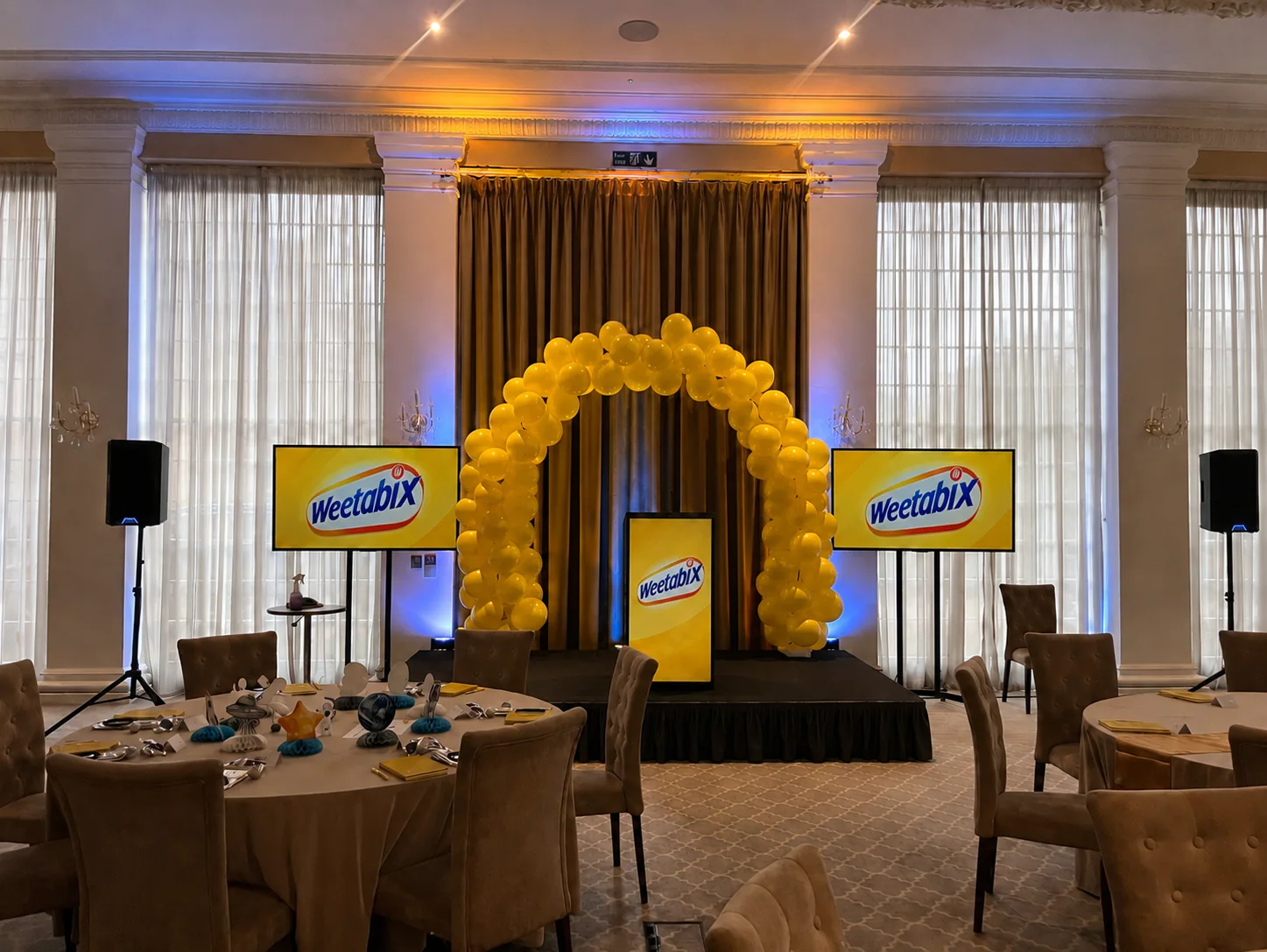
EVENT PLANNING
What is a lectern, and which one suits your event?
A lectern holds a speaker’s notes. Here’s how to choose one around the presenter, working surface, microphone and branding, with a real conference example.
Read the guide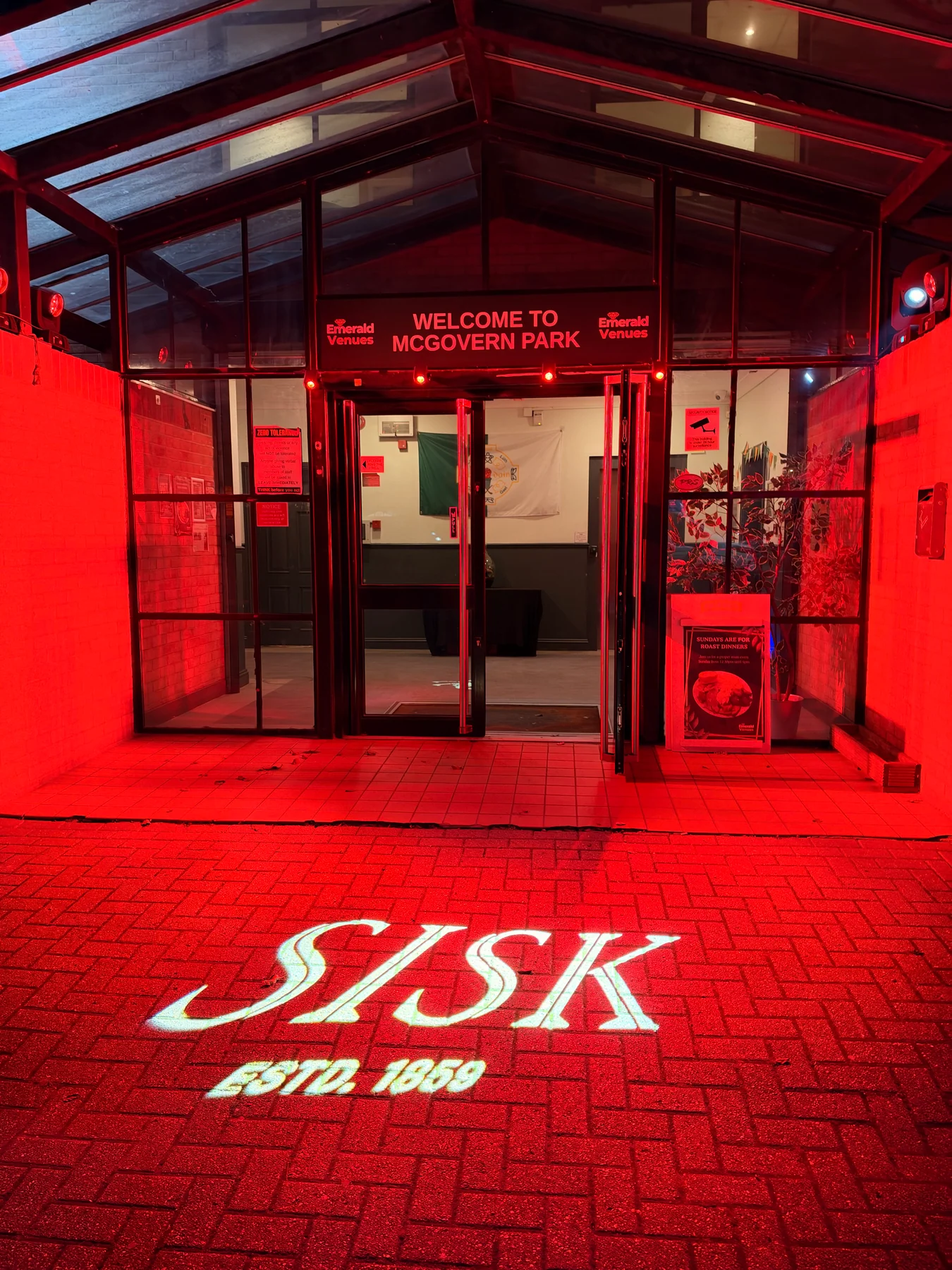
LIGHTING
What is a gobo? Logo projection at events explained
How gobos project logos and patterns at events, what affects the result, and how to plan artwork, surfaces and lighting, with a real SISK example.
Read the guide