
VENUES
The AV questions to ask before you book a venue
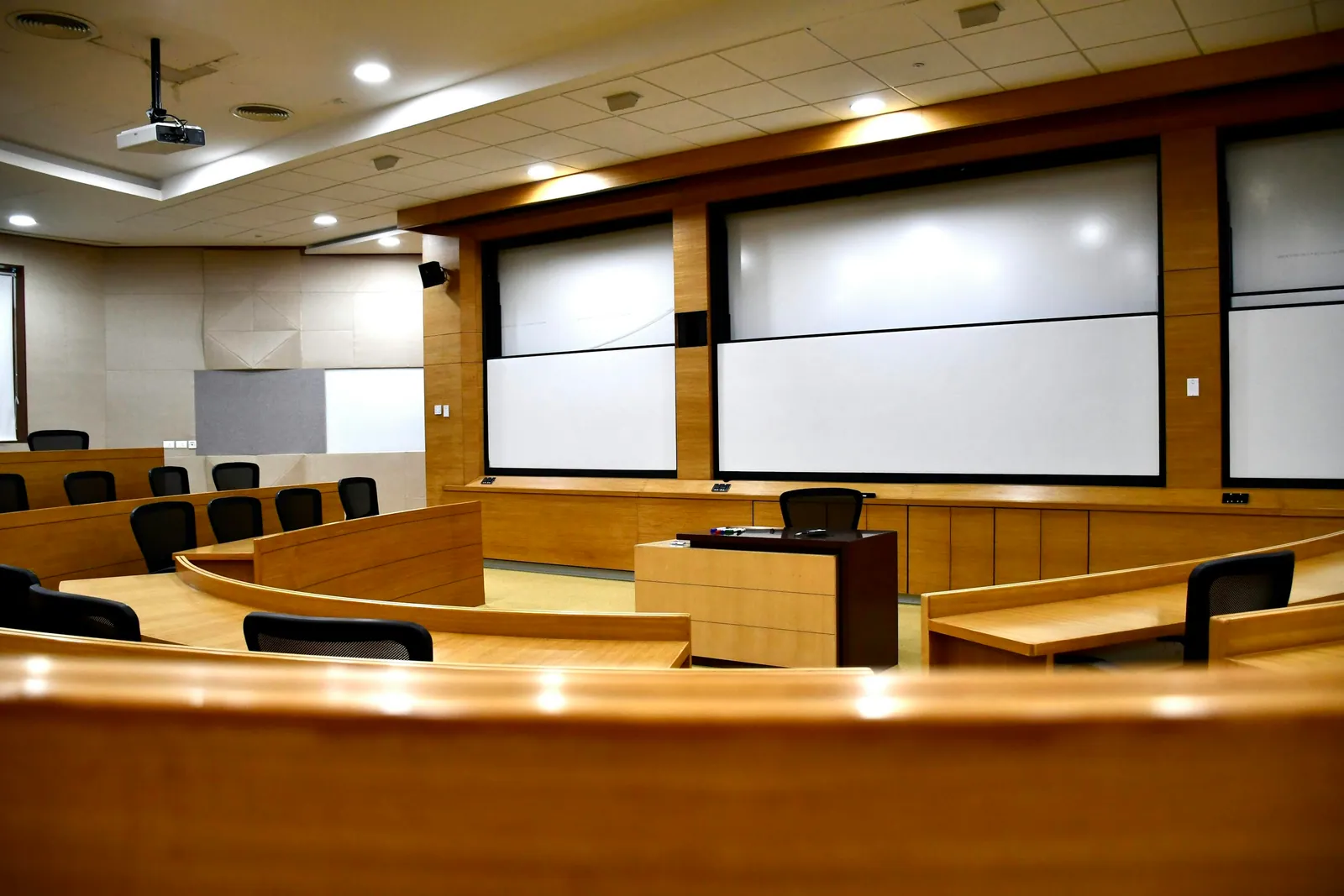
When you visit a possible venue, picture the event in progress. Where will the speaker stand? What can someone at a back table see? Who will look after the sound? A beautiful room still needs a practical plan for the people using it.
Bring the venue and your AV supplier into that conversation before the layout is fixed. Start with what guests need to see and hear, then find out what’s included, what needs adding and how the equipment will reach the room.
Start with the event, rather than the equipment
Explain whether the room will host presentations, a seated conversation, a dinner, live music or a mixture. Include the approximate audience, the number of people speaking at once and any changes of layout. An audience capacity on a brochure does not show where your stage, screens, sound-control position and event furniture will sit.
Ask for a current room plan. Mark the proposed presentation area, audience positions and any fixed features that affect the view. The plan is a starting point for discussion, rather than proof that a particular technical setup will fit.
Find out exactly what is included
If the package says “AV included”, ask what that covers. Which equipment is there, can your supplier connect to it, and who operates it? A screen is useful only if it’s in the right place and can show your content. An installed sound system still needs someone responsible for it during the event.
- Which screens, microphones and speakers are available, and where are they positioned?
- Can an external supplier connect to the installed equipment?
- Who operates it during the event, and what support is included?
- Are there venue conditions affecting sound, lighting or effects?
- Who can answer technical questions and approve the final layout?
Look at the room as your audience will
Walk to the back and sides of the proposed seating area. Check whether guests will see both the presenter and the content, and ask how daylight and room lighting will be managed. Think about where the technician can listen to the room and communicate with the organiser.
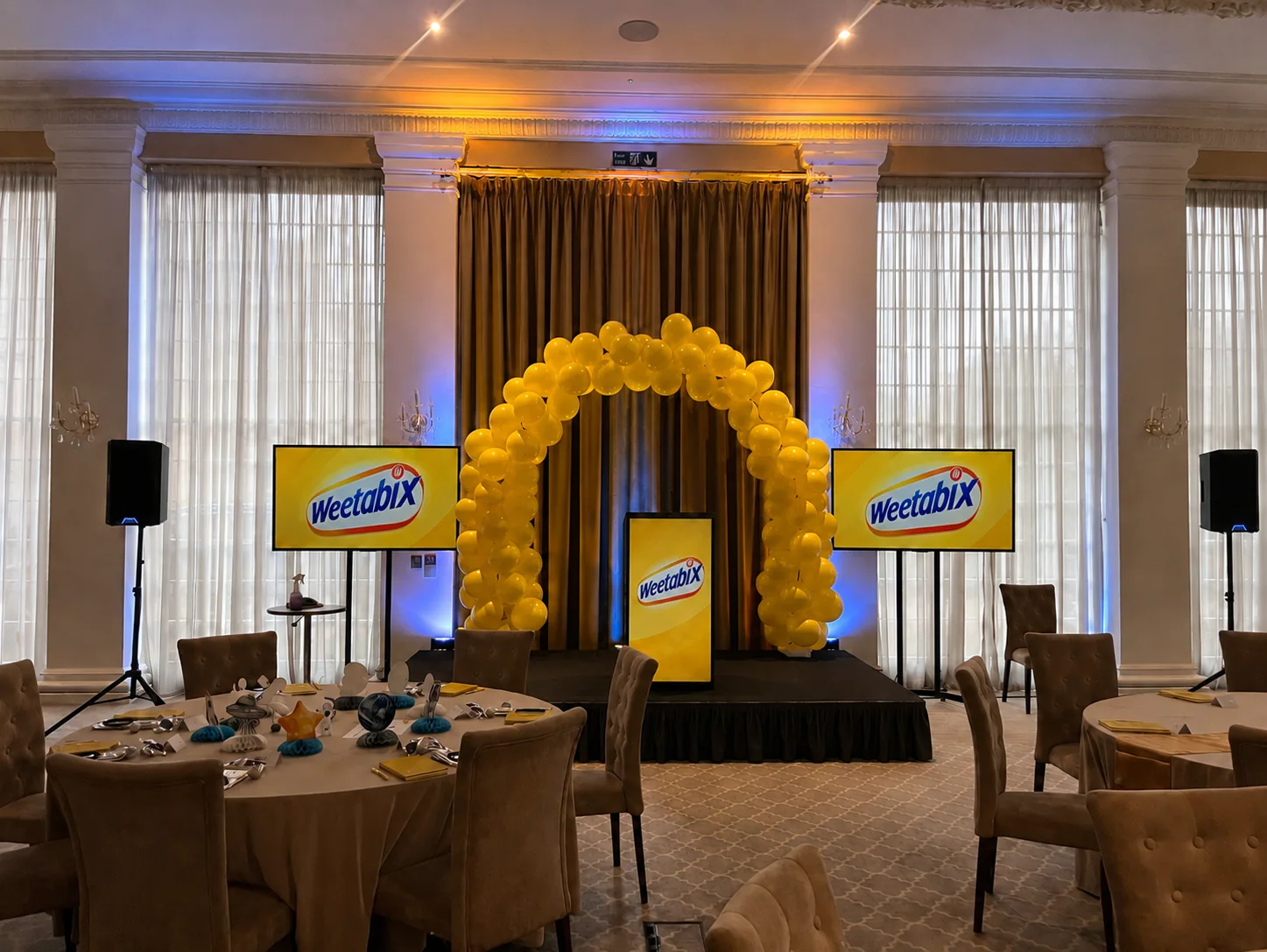
For Weetabix’s conference in the Orangery at Rushton Hall, we supplied a 3m × 2m stage, two screens and a branded lectern for roughly 80 colleagues. The room and presentation format shaped that arrangement. Bring the equivalent details from your own event to the venue visit so the discussion can be just as specific.
Check access before the schedule is agreed
Ask where equipment is unloaded, how it reaches the room and when suppliers can start. Check doors, lifts, stairs, shared corridors, parking arrangements and who will be onsite to let the crew in. Establish where power is available with the venue and supplier; the organiser should not have to design the electrical arrangement.
Larger venues can have formal delivery procedures. The NEC, for example, requires exhibitors making build-period deliveries behind its halls to book through its delivery system. That is a venue-specific example, so always obtain the instructions for your own event and dates.
Leave with one agreed set of notes
After the visit, send one set of notes to the venue, organiser and AV team. Include the agreed plan, photographs, access instructions and timings, with a name beside each outstanding question. It saves everyone piecing together separate conversations, and gives you somewhere clear to record changes.
TAKE THIS INTO YOUR BRIEF
Send the venue name, room plan, audience layout, programme and access times with your first AV enquiry. Unknown details are useful to flag early.
Sources & useful reading.
- NEC exhibitor parking and event-build access
The event-build section confirms advance delivery-slot booking for deliveries behind the exhibition halls. This is an example of venue-specific access, not a universal rule.
- Weetabix conference at Rushton Hall
Bucks AV’s confirmed example of an approximately 80-person event using a 3m × 2m stage, two screens and branded lectern in the Orangery.
Put it into practice.
If you’re planning an event, send the date, venue and what you know so far. We’ll help work through the rest.
Talk through your eventA little more useful reading.
EVENT PLANNING
What is a lectern, and which one suits your event?
A lectern holds a speaker’s notes. Here’s how to choose one around the presenter, working surface, microphone and branding, with a real conference example.
Read the guide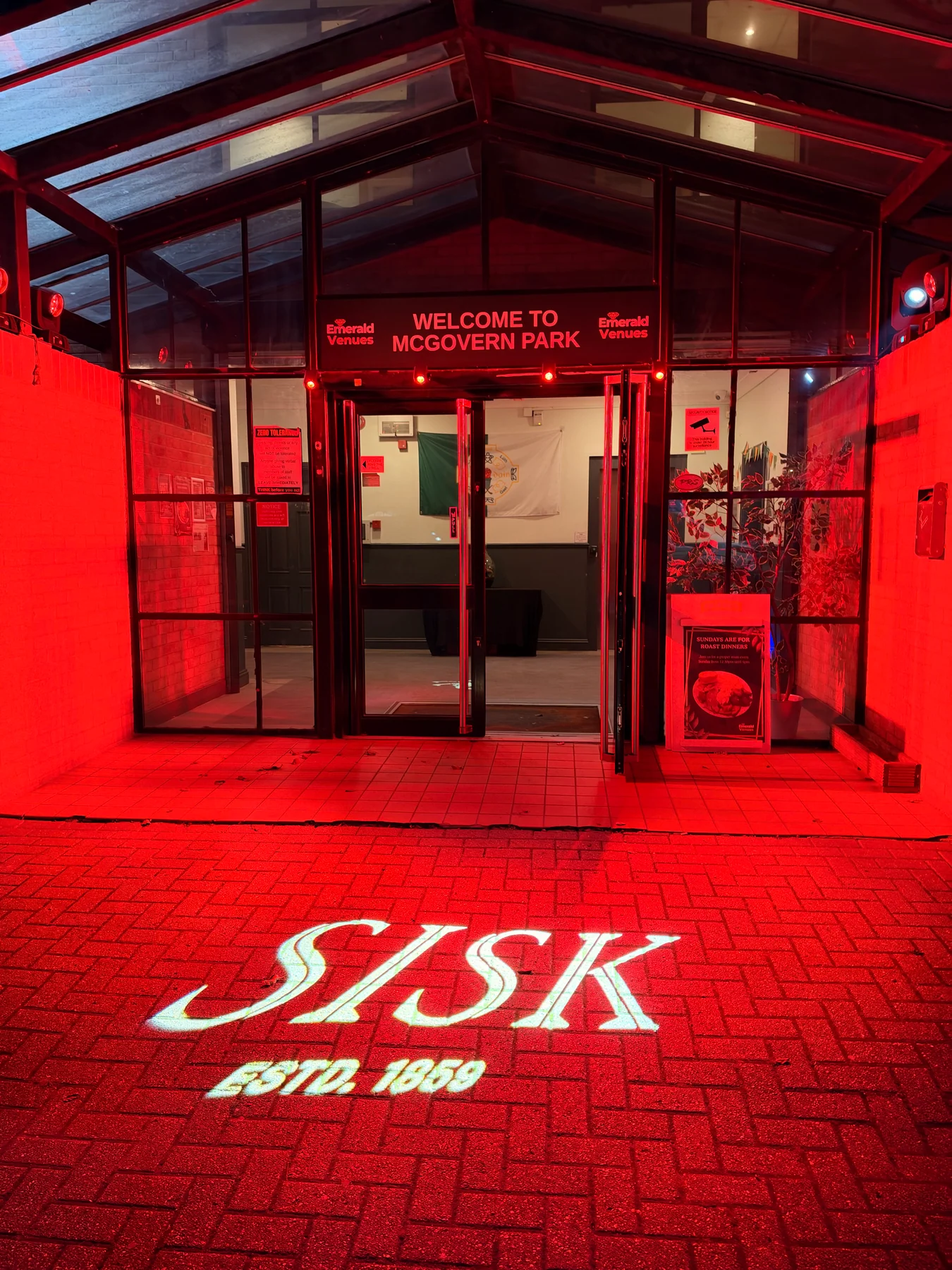
LIGHTING
What is a gobo? Logo projection at events explained
How gobos project logos and patterns at events, what affects the result, and how to plan artwork, surfaces and lighting, with a real SISK example.
Read the guide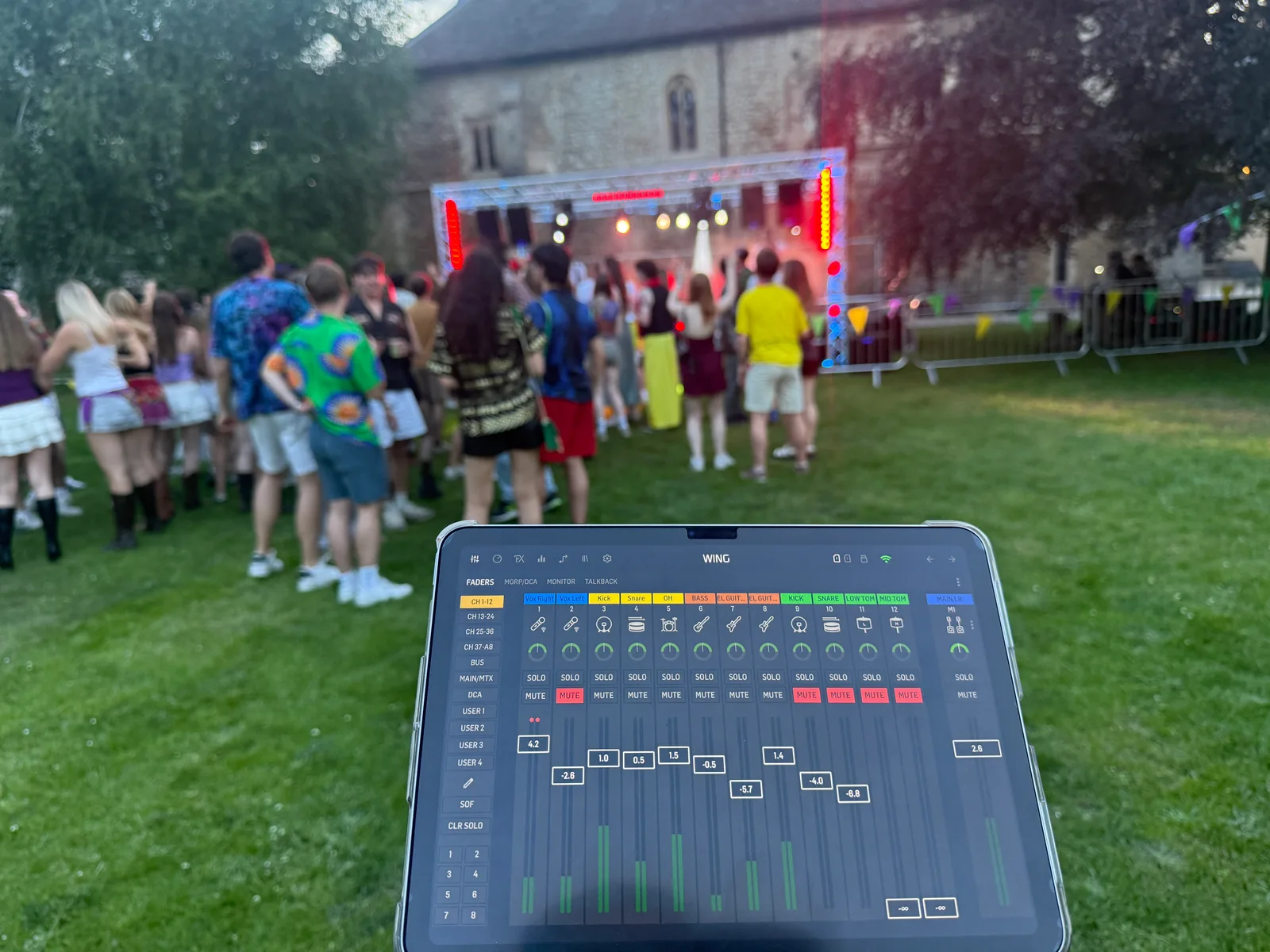
AUDIO
What is a PA system, and what does your event need?
PA systems explained: microphones, mixers and speakers, plus how to choose sound for speeches, live music and your venue without relying on wattage alone.
Read the guide