
LIGHTING
Wireless uplighting: the questions that make the room work
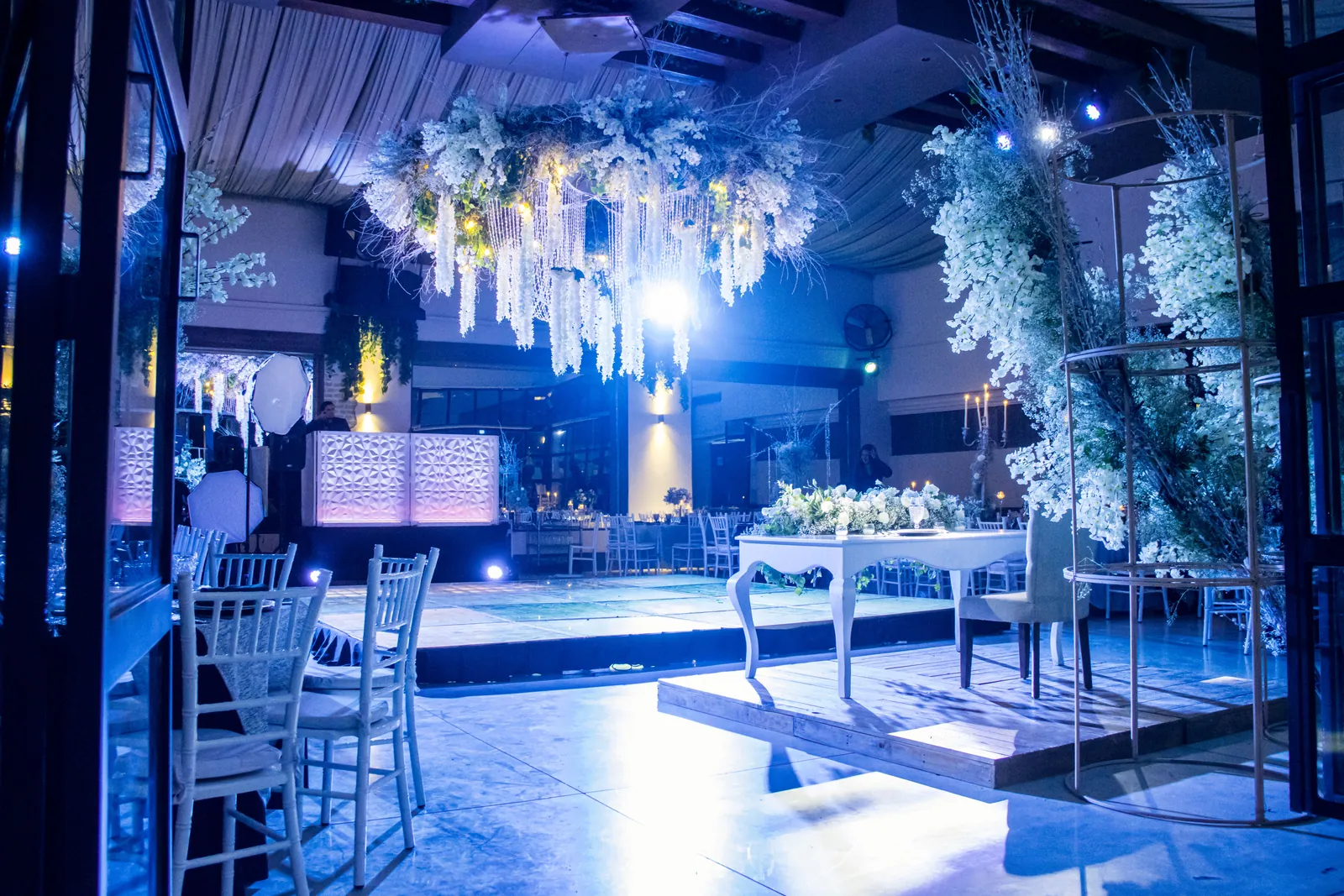
Sometimes a room needs only a little colour. Uplighting on walls, columns or architectural details can bring the setting together while leaving the focus on the people in it.
Battery-powered, wireless fixtures can reduce visible cabling, but there are still a few things to agree: where the lights go, how long they need to run and whether anyone will change them during the event. Here’s what to discuss before deciding how many to hire.
Look at the room before counting fixtures
Start with photographs or a floor plan showing the walls, windows, curtains, columns and furniture. Pale surfaces and darker finishes respond differently, and daylight can change how noticeable a colour treatment looks. Identify the features you actually want to draw attention to.
A plan based only on the room’s guest capacity misses those details. Two spaces seating the same number can need quite different placement. Mark entrances, presentation screens and the audience layout so lighting positions can be considered as part of the whole room.
Treat colour as a starting point to test
Send the brand colours and a reference for the atmosphere you want: subtle corporate colour, a warm dinner setting or something more theatrical. A colour seen on a laptop is not a promise of an identical appearance on a textured wall.
The Freedom Par Q9 is an RGBA colour-mixing battery uplighter. Chauvet also supplies it with a removable diffuser that changes coverage. Those are useful options to discuss, but the room and chosen finish still decide how the light reads to guests and cameras.
We used Q9 wireless uplighters for subtle branded room lighting at Weetabix’s conference at Rushton Hall. They sat alongside the screens, stage and lectern as part of the presentation setting. The lighting supported the room rather than asking guests to pay attention to it.
Plan battery use from setup to the final guest
Count the time from the first setup checks to the end of the event, including any early switch-on for photography. Give that full window to the supplier. Battery use depends on the selected colour, intensity and mode, so a headline maximum runtime isn’t enough to plan the day around.
Chauvet documents adjustable runtime modes for the Q9. The useful question for your event is which mode and output plan will cover your schedule, with charging and preparation agreed before delivery. Avoid building an event around an unconfirmed battery-duration estimate.
Decide who needs control during the event
Will the room stay one colour, change for dinner or follow cues during a show? Agree that before choosing the controls, and decide who will make any changes. The Q9 supports wireless DMX through its D-Fi transceiver and compatible RF remotes. Ask your supplier which controls are included in the proposed hire package and how they will be used.
Also confirm whether the installation is indoors or exposed to weather, and pass any venue restrictions to the supplier. Battery operation does not establish weather suitability or permission to place a fixture anywhere.
- Room photographs, layout and the features to highlight.
- Desired colours, brightness and the role of any photographer or camera crew.
- Total switch-on period, including checks before guests arrive.
- Fixed colour or operated changes, with a named person responsible.
- Venue approval for positions and the actual operating environment.
TAKE THIS INTO YOUR BRIEF
Choose uplighting around the room and full event schedule. Confirm colour, placement, battery operation and control together.
Sources & useful reading.
- Chauvet DJ: Freedom Par Q9
Primary product information for RGBA mixing, the removable diffuser, runtime modes, D-Fi and RF control. No exact event runtime, fixture count or weather rating is promised.
Put it into practice.
If you’re planning an event, send the date, venue and what you know so far. We’ll help work through the rest.
Talk through your eventA little more useful reading.
LIGHTING
What is a gobo? Logo projection at events explained
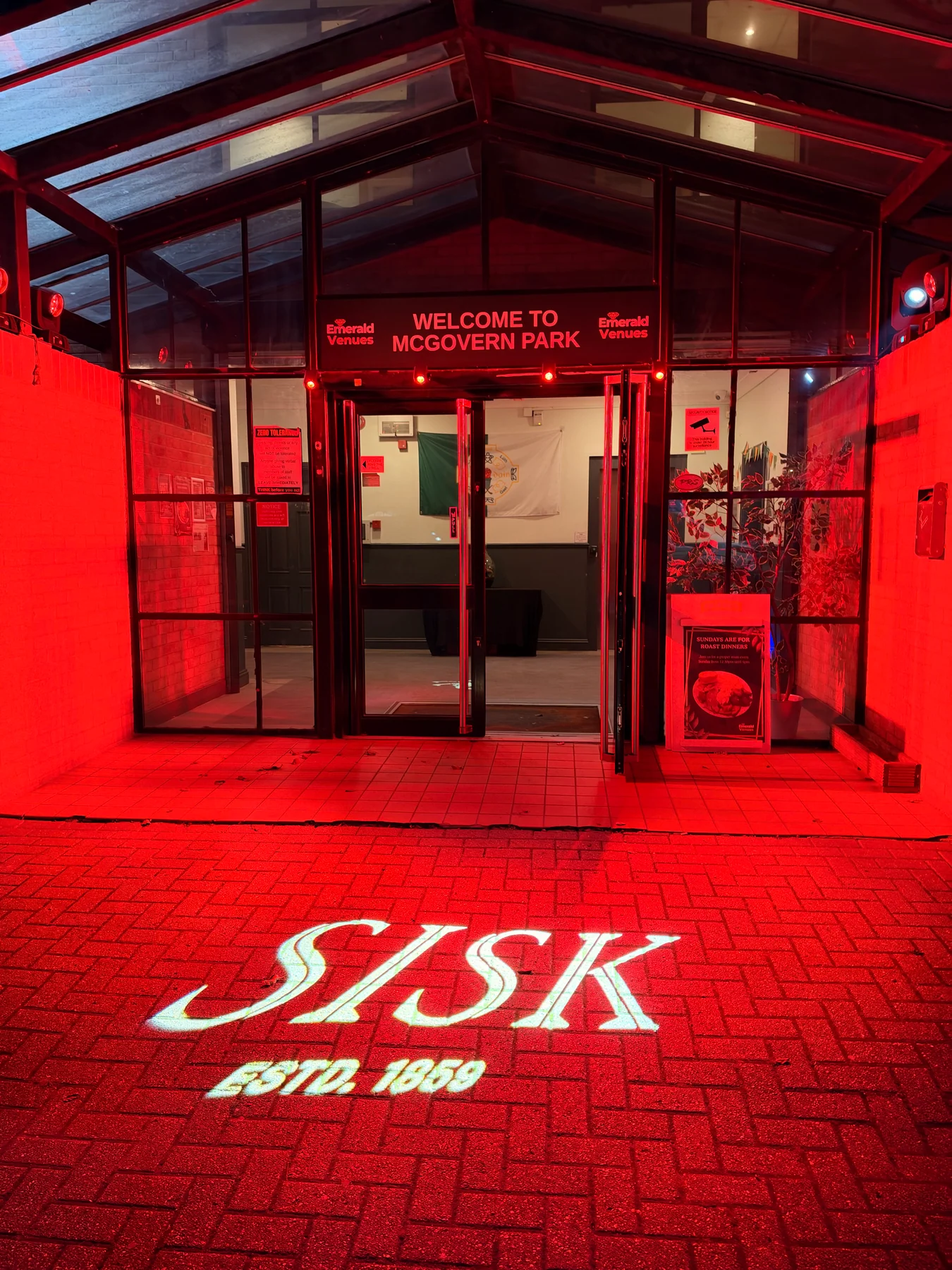
How gobos project logos and patterns at events, what affects the result, and how to plan artwork, surfaces and lighting, with a real SISK example.
Read the guide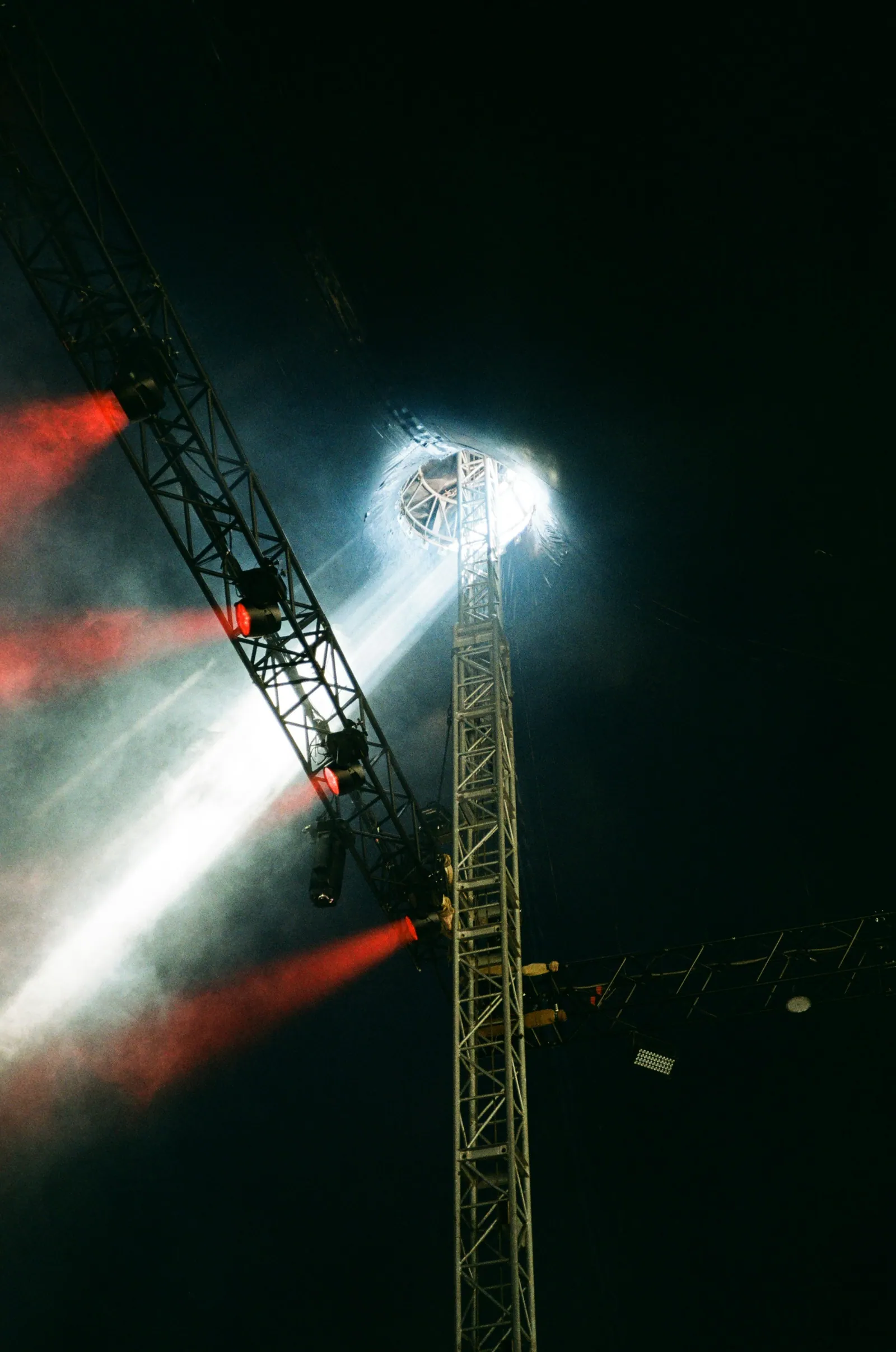
LIGHTING
Wash, spot or followspot? Start with what the audience needs to see
Understand wash lights, moving spots and operated followspots, then build an event-lighting brief around visibility, atmosphere and performance.
Read the guide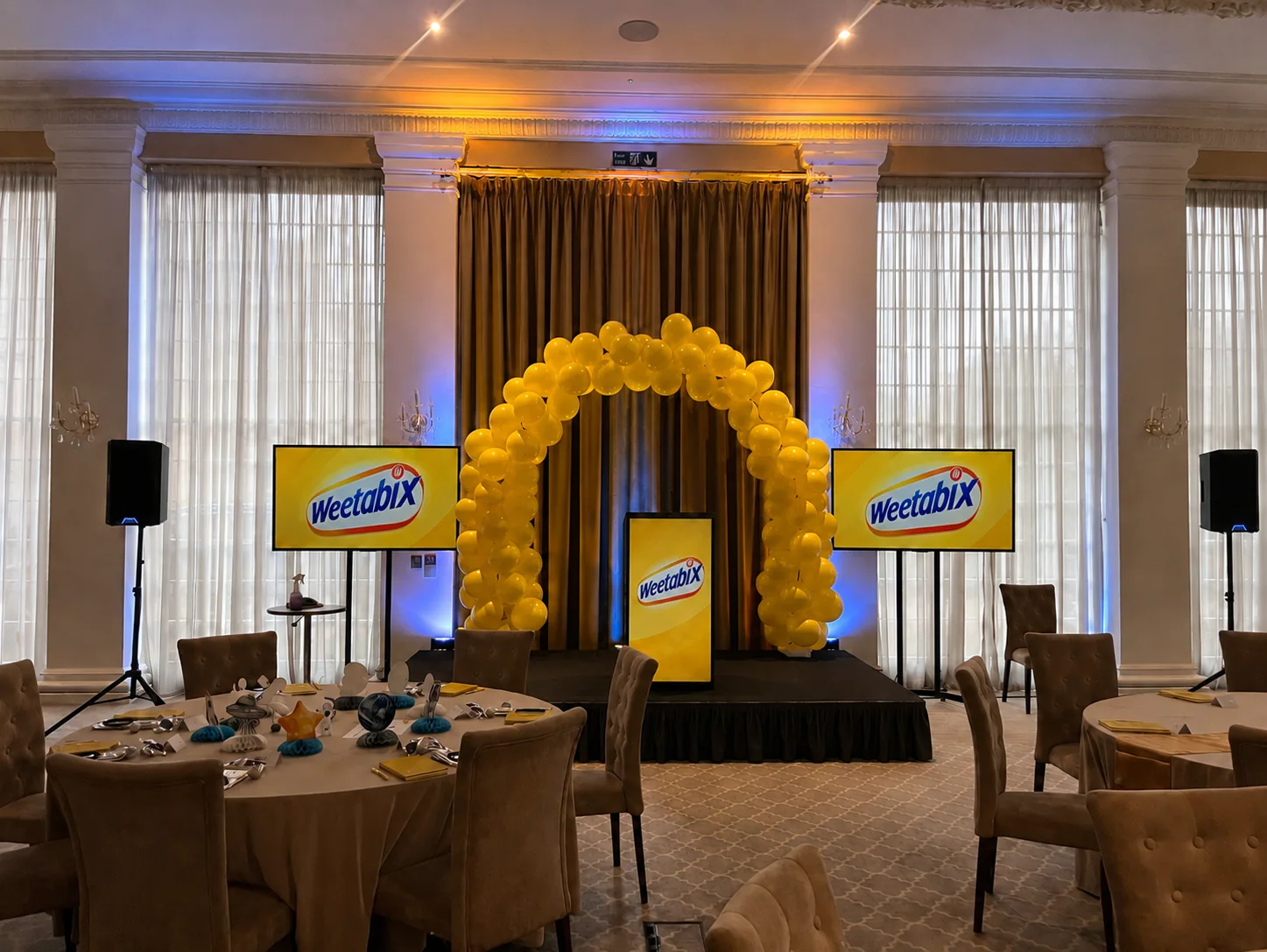
EVENT PLANNING
What is a lectern, and which one suits your event?
A lectern holds a speaker’s notes. Here’s how to choose one around the presenter, working surface, microphone and branding, with a real conference example.
Read the guide