
AUDIO
Handheld, lapel or headset: which microphone suits your event?
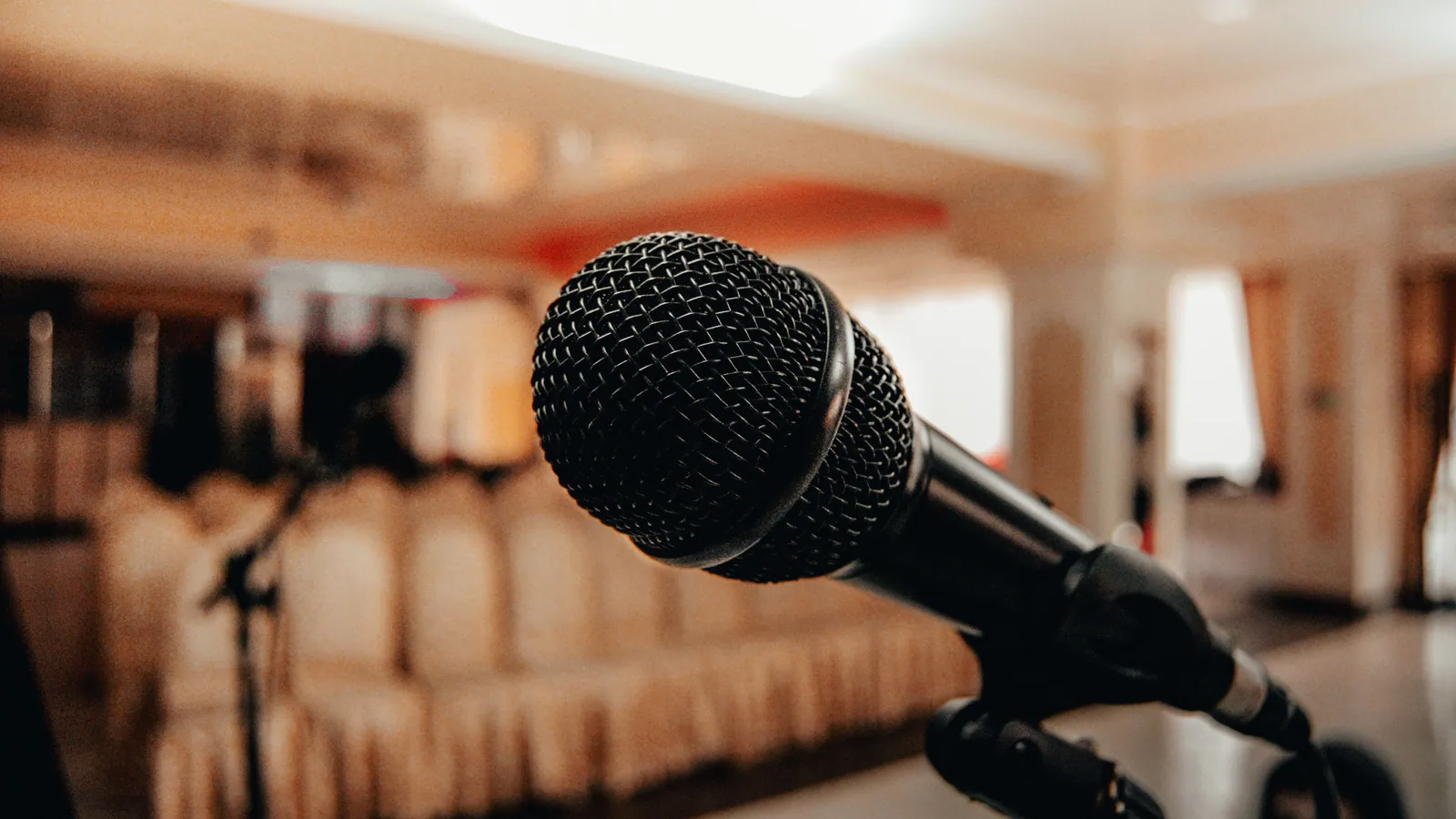
A host passing a microphone to a guest, a speaker walking around the stage and two people sitting down for a conversation have different needs. Before choosing a microphone, think about what the person using it will actually be doing.
Tell your supplier how the session works, how many people will speak at once and what the presenters feel comfortable wearing or holding. Then leave time before guests arrive for the technician and each speaker to try the chosen setup together.
Handhelds for hosts, handovers and questions
A handheld makes sense when a microphone needs to move between people. You can see who has it, and a host can pass it on when it’s someone else’s turn. It’s worth considering for an announcer, an interview or questions from the audience, provided someone is responsible for those handovers.
The speaker does need to keep it in a useful position. Lowering it while turning towards a screen changes what the sound system receives. Plan a quick introduction for unfamiliar users and decide who will collect and pass it on. If questions are part of the programme, allow for the person handling the microphone as well as the microphone itself.
Handheld
Hosts, interviews and audience Q&A.
Allow a hand for the microphone and agree who passes it.
Lapel
Presenters who want their hands free.
Plan the clothing, bodypack and microphone fitting.
Headset
Presenters who move or demonstrate.
Allow time for a comfortable, consistent fit.
Lapels for a less visible, hands-free setup
A lapel microphone clips to clothing and leaves the speaker’s hands available. It can suit a seated conversation or presentation where holding a microphone would feel awkward. Placement matters: clothing, jewellery and head movement can affect what is picked up. Shure’s guidance highlights microphone position and clothing noise as important parts of getting clear results.
Ask presenters about clothing early enough to plan a comfortable fitting. A jacket, dress or shirt can offer different places for a clip and bodypack. It is better to discuss that privately in advance than make the presenter solve it in front of the audience.
Headsets when movement is central to the presentation
A headset keeps its microphone close to the mouth as the presenter turns. That can be helpful for someone demonstrating, moving around or speaking with both hands occupied. Shure explains that the closer microphone position can also offer an advantage over a lapel when more sound level is needed before feedback.
Give the presenter time to wear it, speak naturally and move as they will during the session. If they keep adjusting the headset, that needs sorting before the talk begins. Mention glasses or other worn items in advance, and let the technician look after the fitting. Comfort is part of making the microphone work.
A programme can use more than one type
At Barnsgrove’s Speaker Series in October 2026, we used two Shure SLX-D lapel systems for Kate Adie and Lady Edwina Grosvenor, with a handheld for the host and announcer. Around 200 guests attended. The two speakers could settle into the conversation, while the host had a microphone suited to introductions. One event didn’t need one microphone type throughout.
For Unofficial Partner’s live recording at Sid Lee Sport in London, four wireless microphones served the panel and a fifth covered audience questions. Around 70 guests attended. We also recorded each microphone separately and delivered the audio within 24 hours, giving the editor individual tracks to work with. A recording brief needs that decision made alongside the audience sound.
When briefing your own event, count how many people must speak simultaneously, not simply the total number of names on the agenda. Share that information with the supplier and agree who will mute, fit and hand over the systems.
- Who speaks, and how many at once?
- Will they sit, walk, demonstrate or use a lectern?
- Are audience questions included?
- Will sound also feed a recording or remote audience?
- When can each presenter meet the technician?
See the Unofficial Partner recording Explore the wireless microphone listing
TAKE THIS INTO YOUR BRIEF
Choose around the speaker’s role and movement, then check the choice in the actual event setup.
Sources & useful reading.
- Shure: A Basic Guide to Mics and Mic Techniques for Presenters
Supports the microphone-format, consistent-position and headset proximity explanations.
- Shure: How to Choose the Best Lavalier Microphone
Supports the lapel placement, clothing noise and application-dependent selection advice.
Put it into practice.
If you’re planning an event, send the date, venue and what you know so far. We’ll help work through the rest.
Talk through your eventA little more useful reading.
AUDIO
What is a PA system, and what does your event need?
PA systems explained: microphones, mixers and speakers, plus how to choose sound for speeches, live music and your venue without relying on wattage alone.
Read the guide
EVENT PLANNING
What is a lectern, and which one suits your event?
A lectern holds a speaker’s notes. Here’s how to choose one around the presenter, working surface, microphone and branding, with a real conference example.
Read the guide
LIGHTING
What is a gobo? Logo projection at events explained
How gobos project logos and patterns at events, what affects the result, and how to plan artwork, surfaces and lighting, with a real SISK example.
Read the guide